All widgets
Every widget you can put on a page, in the design of the site. For checking and giving feedback.
Text
The standard text widget: a title and free text with bold, italics, links and lists.
- A first point
- A second point
A subheading
Long texts stay readable thanks to a limited line width.
A quote stands out without shouting.
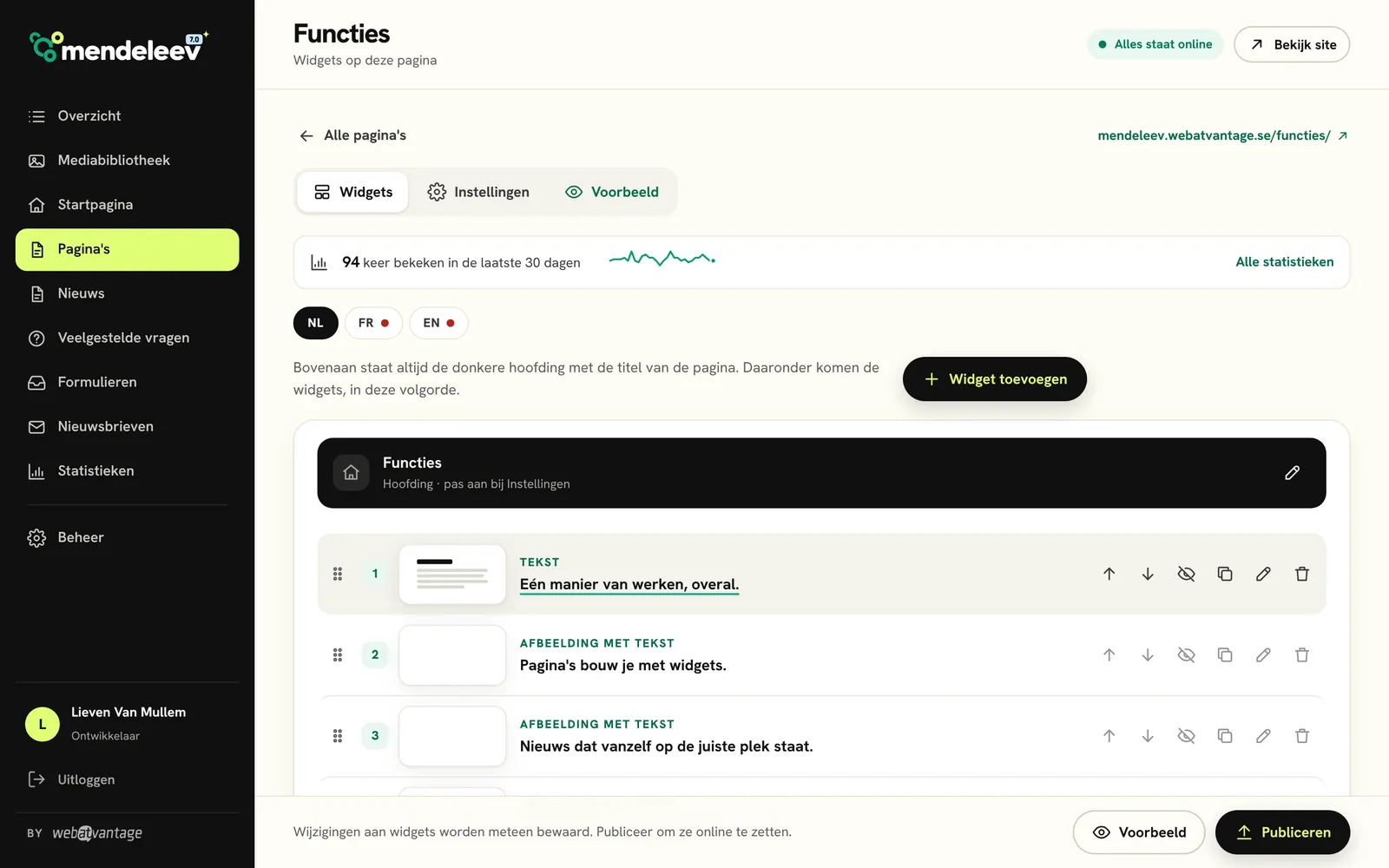
Image with text
Photo on the left, text on the right.
With an icon tile, a small label, text with ticks and a button.
- Icon is optional
- Label is optional
And the other way round: photo on the right.
Without an icon and without a button, which is how it most often looks.
Three images
Centred title
One message that stands out. With accent.
With a label, a word in the accent colour, a text and a button.
Photos with a story
A story
in pictures.
A title and text on the left, three to six photos on the right in a mosaic.
Video
Call to action
A short call to action with a single button, for example to request a demo.
Frequently asked questions
All questionsWhat is Mendeleev?
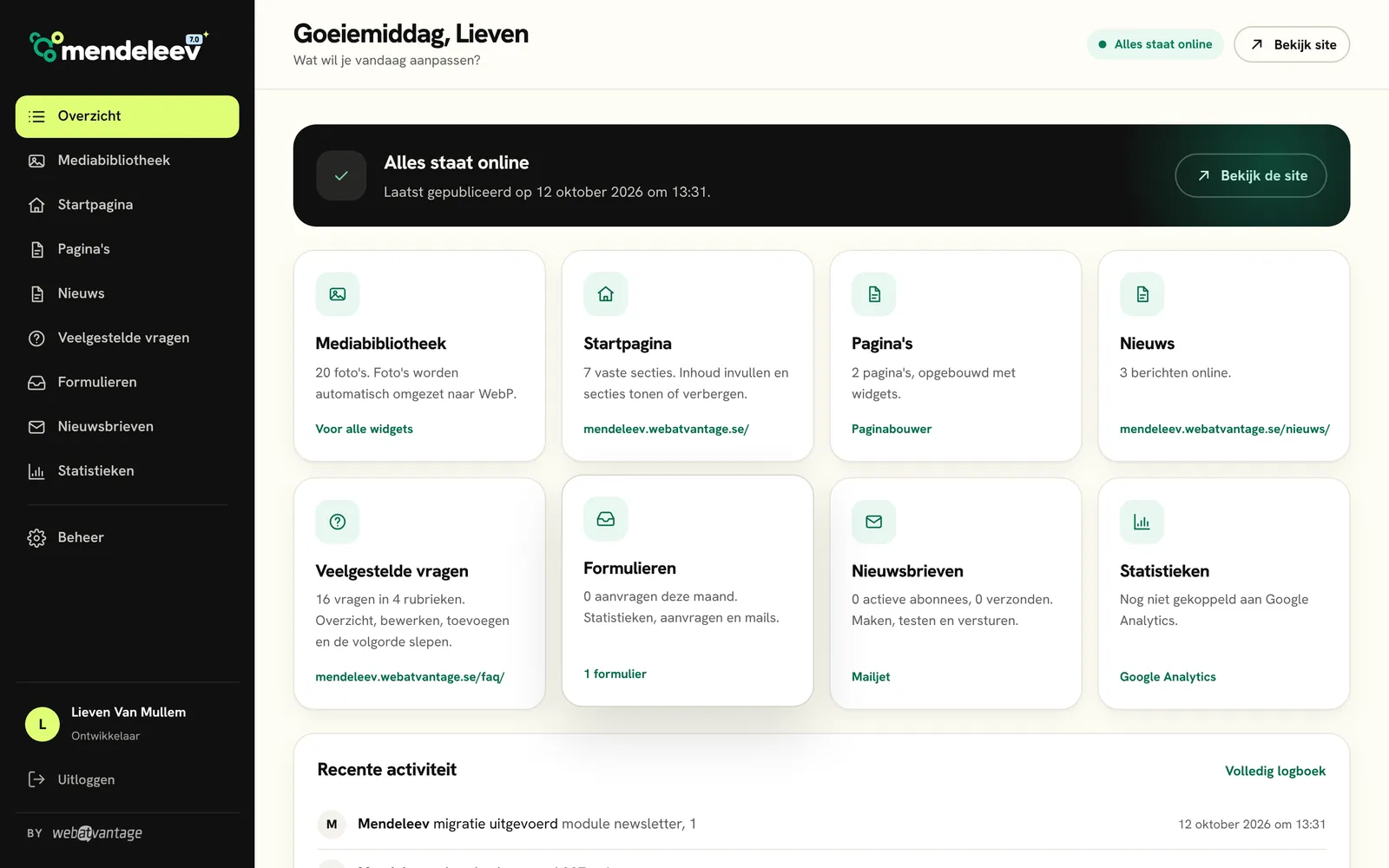
Mendeleev is the CMS from Webatvantage. Clients use it to manage the texts, photos, news, forms and newsletters of their website themselves. Version 7.0 has been rewritten from scratch: simpler for the client, faster and more secure online.
Who is Mendeleev for?
For organisations that want to keep their website up to date themselves without technical knowledge: clubs, SMEs, non-profits and service providers. If you can type a text and choose a photo, you can work with Mendeleev.
What does it include?
- Building pages with widgets
- News with approval
- Forms with requests and emails
- Newsletters with subscribers
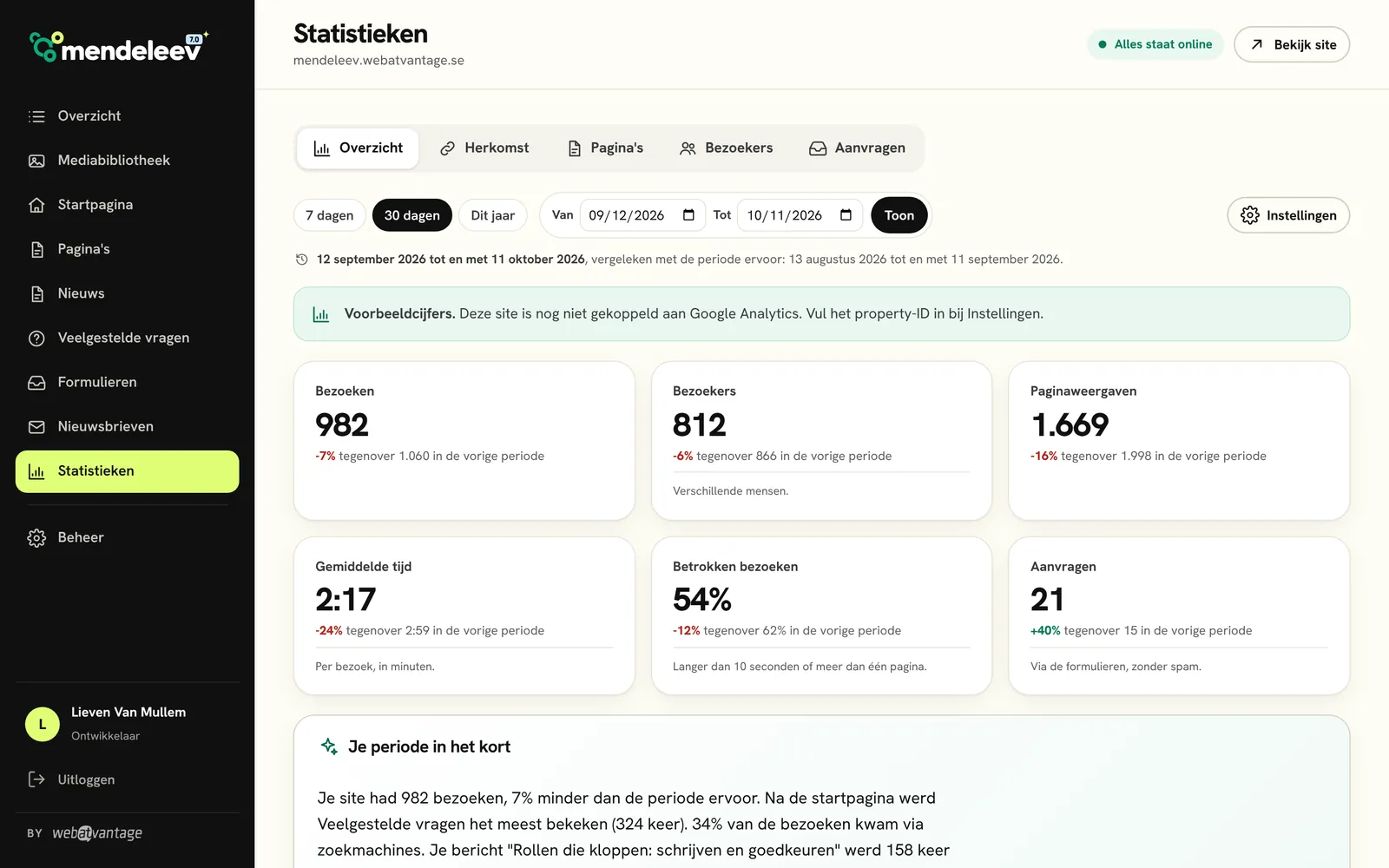
- Statistics from Google Analytics
- Translation with a single button
- A media library
- Users with roles
Why the name Mendeleev?
After Dmitri Mendeleev, who brought order to the elements with the periodic table. Mendeleev does the same for a website: every section has a fixed place and works in the same way.
How do I edit a text?
Open the page under Pages, click on the widget and edit the text. Click Save and then Publish. A few seconds later it is online.
Subscribe to the newsletter
One email per release. You can unsubscribe at any time.
Form
Text next to the form.
Or above it, with the Stacked layout.